
Marketing Tools Checklist
Promoting your presence at the CSP Tobacco+ Forum will increase your visibility and help you engage with more retailers. Use this checklist to get started!
- Download the CSP Tobacco+ Forum logo and share your participation on your company's website and event calendar.
- Take advantage of our Sponsor Social Media Kit to share your participation at Tobacco+ Forum across your social media accounts.
Creative Assets
Download our CSP Tobacco+ Forum logo here and share your participation on your company's website and event calendar.
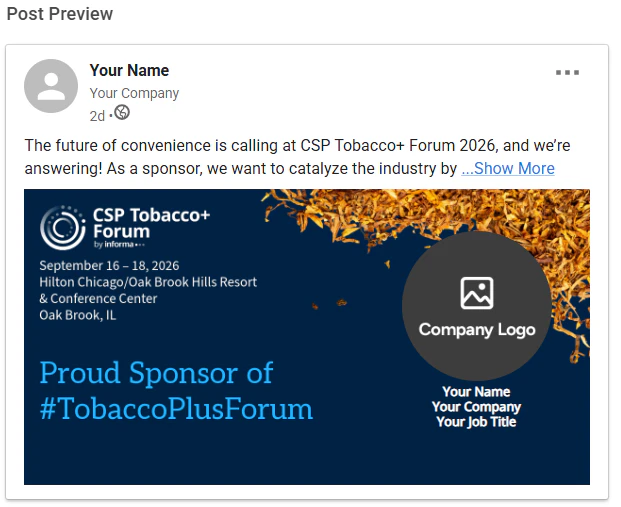
Announce Your Sponsorship Using Our Custom Graphic
Let your network know that you are attending #TobaccoPlusForum! Click the link below to login to LinkedIn and share the news.
Instructions:
1. Click the link to access the graphics. You’ll be prompted to log in to your LinkedIn account, which will give permission for our platform to access your information.
2. There is one pre-made caption that you can edit to your liking. If you choose to edit the caption, please be sure to keep the tracking link.
3. Click “Post & Continue” and you’re all set!

Colored CSP Tobacco+ Forum Logo
Colored CSP Tobacco+ Forum Logo


White CSP Tobacco+ Forum Logo
White CSP Tobacco+ Forum Logo

Quick Tips - QR Codes
Wondering how to create a QR code to link to your website or social media accounts?
Look no further! We have two handy guides for you linked below.